
 Need for Speed Heat
30 GB
File Size
0
Total Installs
5/5
Average Rating
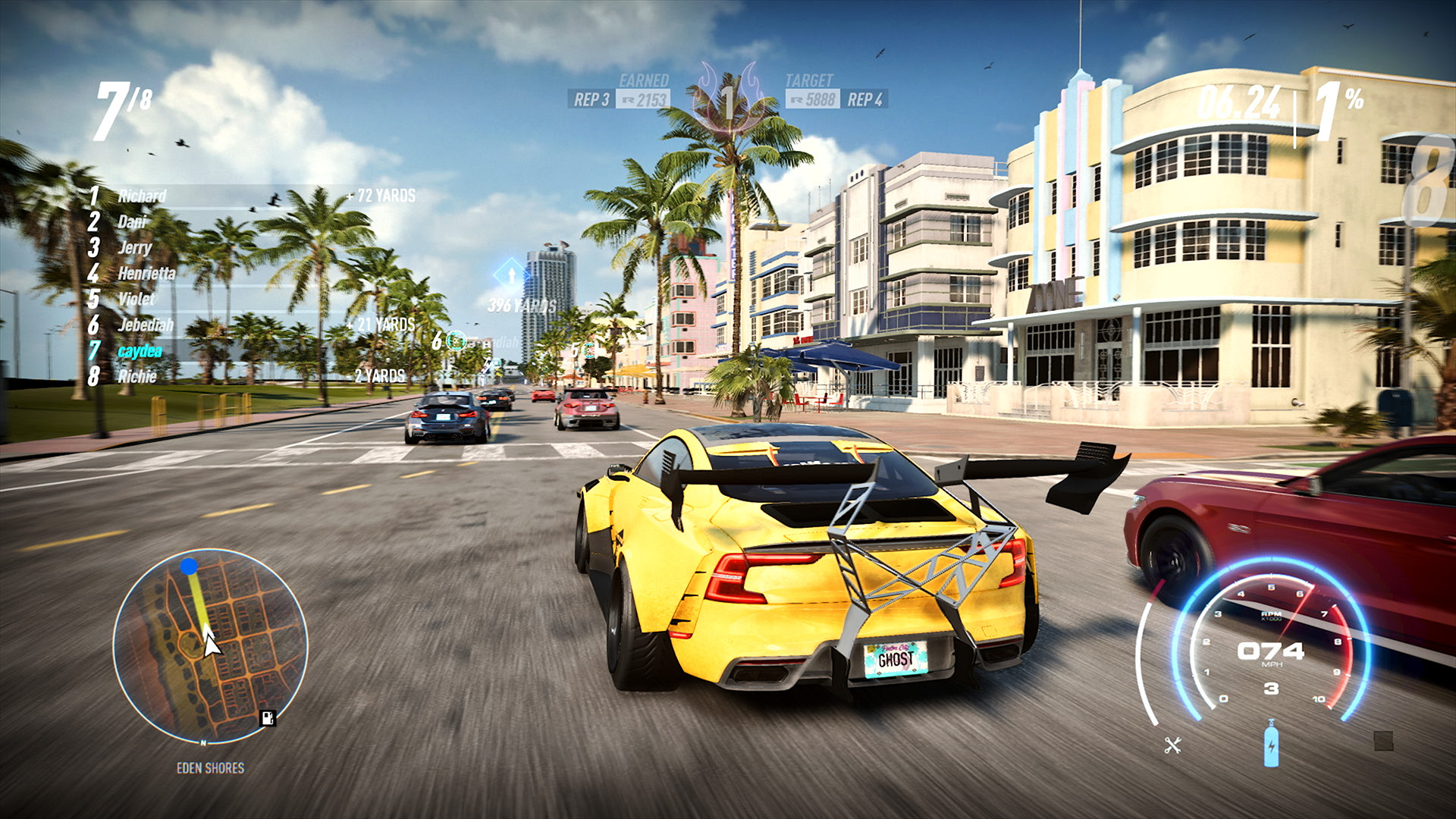
Screenshots
A closer look at the game before you download



Installation Guide
Step-by-step setup process — tap a step to check it off
- 1The game is already pre-installed, so no traditional installation process is required.
- 2Download the complete game files.
- 3Once the download is complete, extract the archive using WinRAR or 7-Zip.
- 4Wait until all files have been extracted successfully.
- 5Open the extracted Need for Speed Heat folder.
- 6Locate the provided Game Launcher.
- 7Launch the game through the launcher.
- 8Keep all game files together and do not delete, rename, or move individual files.
System Requirements
Minimum specifications needed
OSWindows 10 64-bit
ProcessorAMD FX-6350 / Intel Core i5-3570
Memory8 GB
GraphicsAMD Radeon 7970 / R9 280X / NVIDIA GeForce GTX 760
Storage50 GB
⚠ Important Notes
Please review these important details before installation
- Make sure the download is completed successfully before extracting the files. An incomplete or corrupted download may result in missing files, extraction errors, or problems when launching the game.
- Since the game is already pre-installed, you only need to download, extract, and launch the game through the provided launcher. Keep the complete game folder intact and avoid modifying individual files.
- Before launching the game, make sure all files have been extracted properly and that the extraction process completed without errors. If the game does not start, check that no files are missing or damaged.
You Might Also Like
More titles from the same category





Comments
(0)Had an issue or want to share your experience? Leave a comment below.