
 Crimson Desert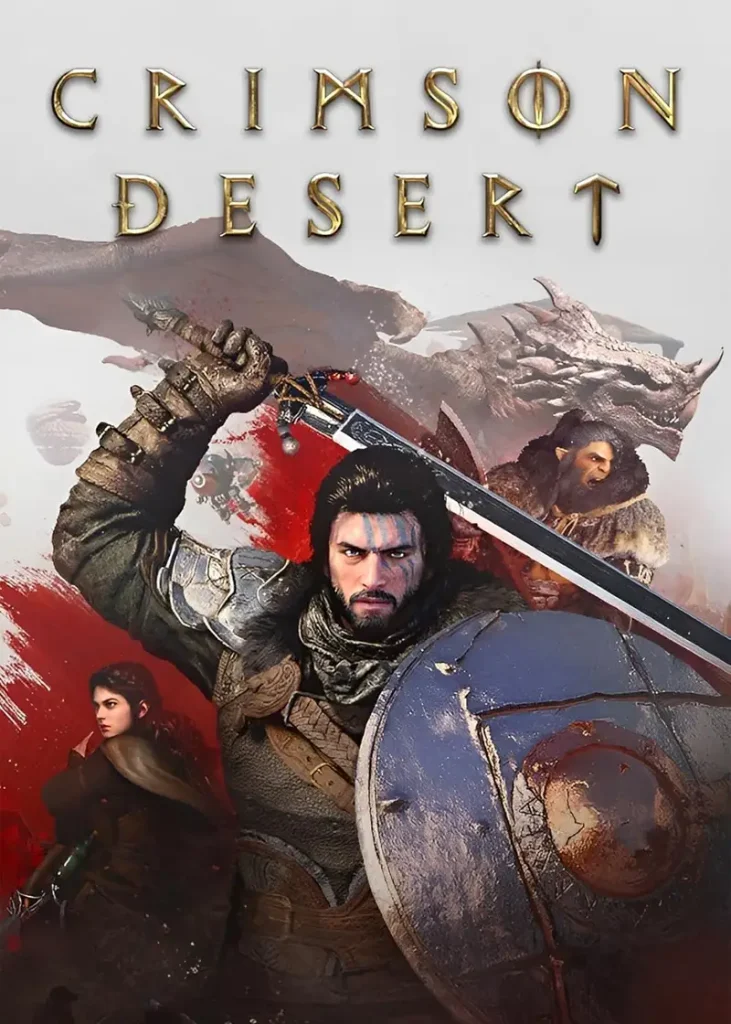
100 GB+
File Size
0
Total Installs
5/5
Average Rating
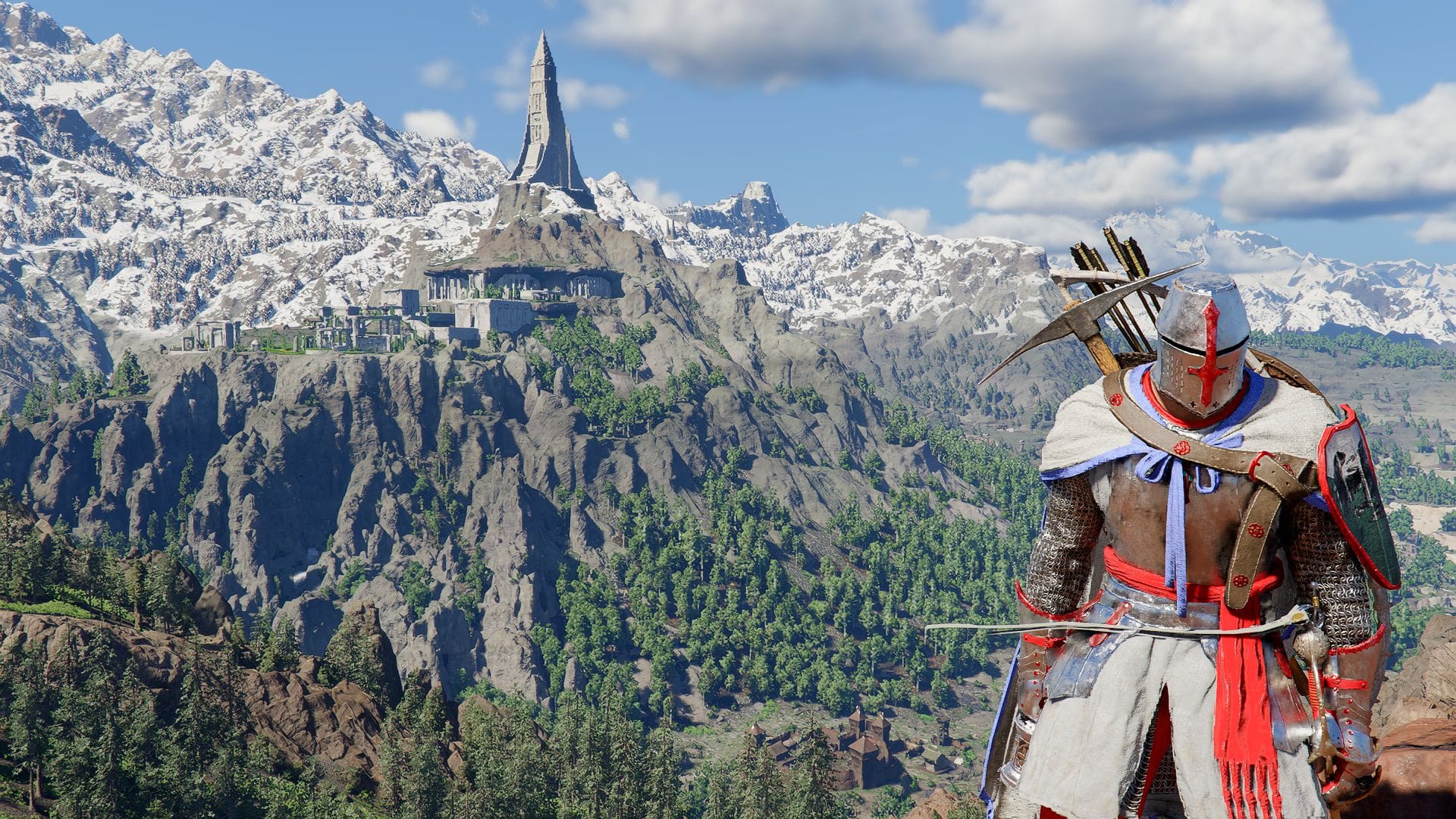
Screenshots
A closer look at the game before you download



Installation Guide
Step-by-step setup process — tap a step to check it off
- 1The game is already pre-installed, so no traditional installation process is required.
- 2Download the complete game files.
- 3Once the download is complete, extract the archive using WinRAR or 7-Zip.
- 4Wait until all files have been extracted successfully.
- 5Open the extracted Crimson Desert game folder.
- 6Locate the provided Game Launcher.
- 7Launch the game through the launcher.
- 8Do not delete, rename, or move individual game files.
- 9Keep the complete game folder together to avoid missing-file or launch errors.
System Requirements
Minimum specifications needed
OSWindows 10 64-bit
ProcessorAMD Ryzen 5 2600X / Intel Core i5-8500
Memory16 GB
GraphicsAMD Radeon RX 5500 XT / Nvidia GeForce GTX 1060
Storage150 GB available space (SSD required)
NotesMake sure all game files are completely extracted before launching the game
⚠ Important Notes
Please review these important details before installation
- Make sure the download is completed successfully before extracting the files. An incomplete or corrupted download may cause extraction errors, missing files, or problems when launching the game.
- Since the game is already pre-installed, you only need to download, extract, and launch the game through the provided launcher. Avoid modifying or deleting individual files inside the game folder.
- For the best experience, make sure your PC meets the game's system requirements and keep Windows and your graphics drivers updated. Crimson Desert is a demanding open-world title built on Pearl Abyss' proprietary BlackSpace Engine.
You Might Also Like
More titles from the same category







Comments
(0)Had an issue or want to share your experience? Leave a comment below.